TLDR
I built an interactive tutorial that teaches Flink SQL’s table-stream duality with animated visualizations you can explore in your browser.
Six sections guide you from "what is a dynamic table" to writing live aggregation queries, with code examples in both SQL and the Table API.
It is open source, MIT licensed, and I’m accepting feature requests at the GitHub repo.
The Concept That Trips Everyone Up
Every time I teach Flink SQL, I hit the same wall. The concept of table-stream duality makes perfect sense to me after years of experience, but I can see the exact moment when someone new to Flink gets confused. You say "a table is just a materialized view of a stream" and their eyes glaze over. By the time you say "a stream is just a changelog of a table" you’ve lost them entirely.
The problem is this concept is fundamentally visual. A stream of events flows in, a table updates as each event arrives, and changelog operations like inserts, updates, and retracts happen in real time. You can explain it with words, and every Flink tutorial does. But watching it happen step by step in front of you is a different kind of understanding.
So I built selectstar.stream to make the concept visible and interactive.
What You Get
The site has six sections that walk through Flink’s streaming SQL model from the basics.
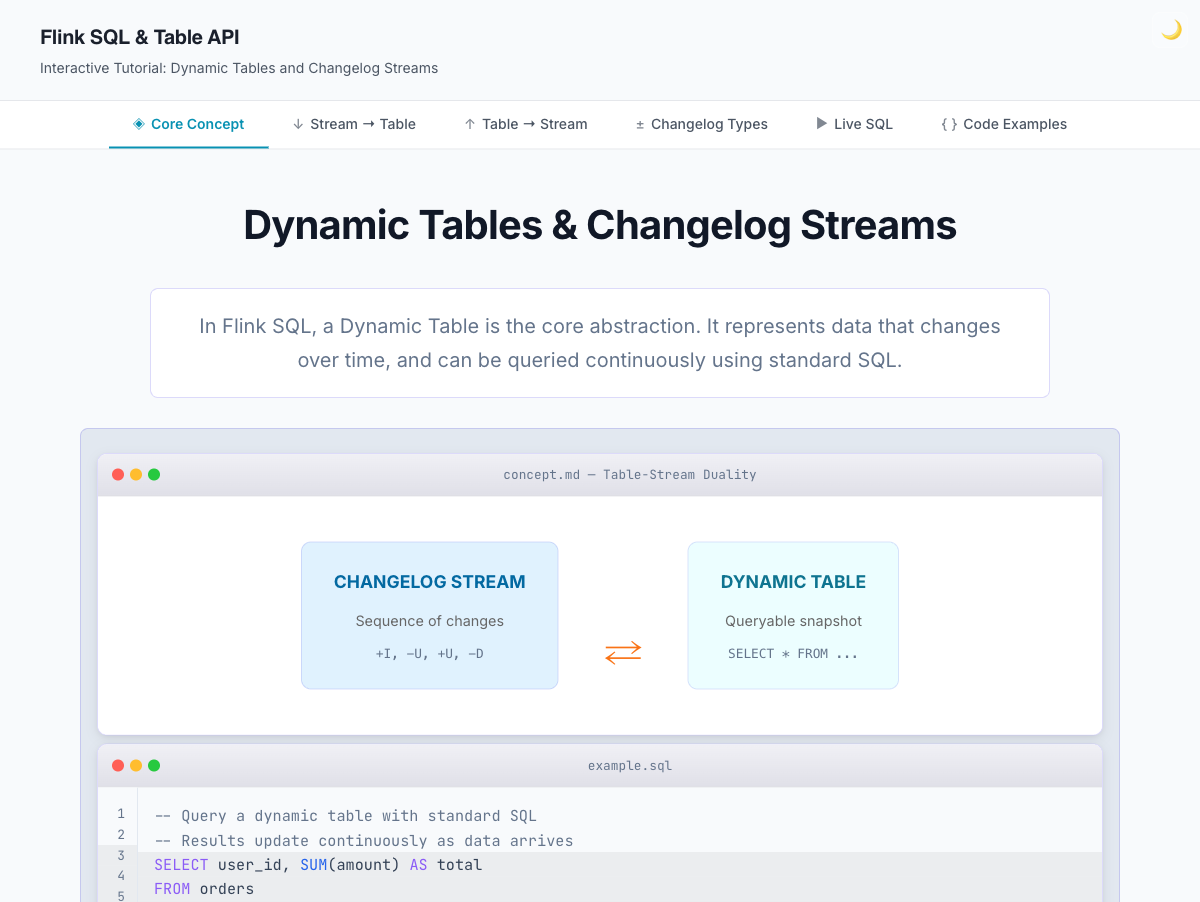
Core Concept
This section covers the starting point: what is a dynamic table, what is a changelog stream, and how do they relate to each other. The visualization shows the bidirectional relationship between the two.

Stream to Table
This is where the animations shine.
You can watch events arrive from a Kafka-style stream and see the table build up row by row.
Each event gets a changelog operation (+I for insert, -U/+U for updates, -D for deletes), showing exactly how the table state changes with each one.
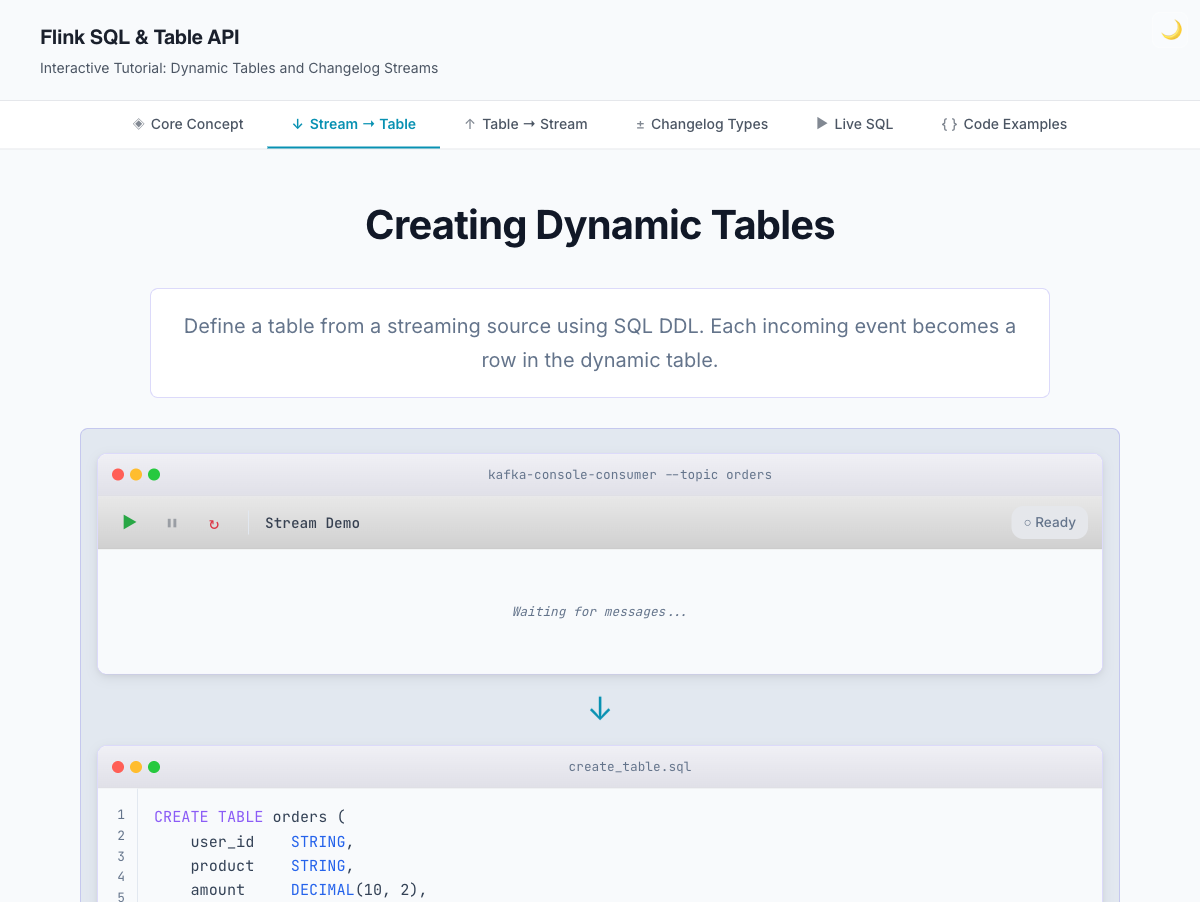
Table to Stream
This goes the other way. You start with a table and see the changelog stream it produces. This is the section where people usually have the "oh, THAT’s what a retract stream is" moment.
Changelog Types
A breakdown of the three stream types in Flink: insert-only, retract, and upsert. Each one has different implications for your queries, and knowing which one your operation produces is the difference between a correct result and a subtle bug.
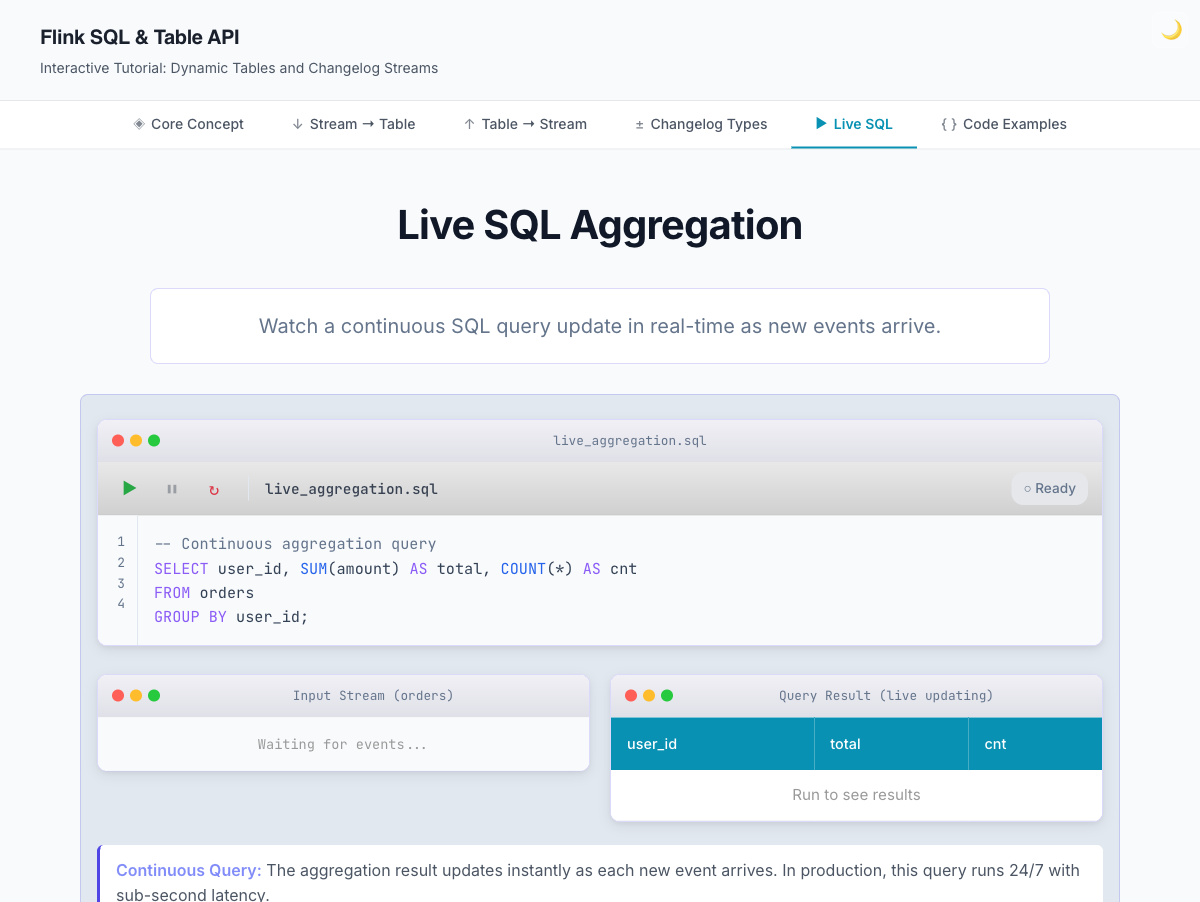
Live SQL
An interactive aggregation demo. You can watch a continuous SQL query update in real time as events arrive, which shows how Flink SQL differs from traditional batch SQL where you run a query once and get a static result.
Code Examples
Real Flink SQL and Table API code for everything covered in the tutorial: DDL statements, aggregation queries, windowed operations, and equivalent Java Table API code. This tab started the Flink SQL Playground project because Misha Druzhinin asked if the code was actually running. It wasn’t then, but now it is.
How It’s Built
The site is a set of Lit web components written in TypeScript, bundled with Bun, and deployed to GitHub Pages. Animations are CSS-driven with JavaScript controlling state transitions. Dark mode is supported and follows your system preference.
I chose Lit because I wanted lightweight, standards-based components without a full framework. Each section is its own component, and navigation handles routing between them. The whole site loads fast because it uses much less JavaScript than a React or Next.js app.
Playwright handles the end-to-end testing, and every PR runs the test suite before merging.
What I’d Like to Add (and Where You Come In)
The tutorial covers the fundamentals well, but there is more to cover. Here are some ideas I have in mind:
Windowed aggregation visualizations showing the difference between tumbling, sliding, and session windows
Join visualizations for regular joins, interval joins, and temporal joins
More Table API examples covering the programmatic equivalent of each SQL pattern
A "build your own query" mode where you can modify the SQL and see how the visualization changes
If there is a Flink SQL concept that confused you when you first learned it, or a visualization that would have helped, I want to hear about it. Open an issue at github.com/gAmUssA/flink-stream-table-animated/issues and describe what you want to see. Pull requests are welcome too.
The repo is at github.com/gAmUssA/flink-stream-table-animated. MIT licensed. Getting started locally takes two commands:
bun install
bun run dev
Then open http://localhost:3000 in your browser.
| If you want to see Flink SQL in action against a real Confluent Cloud cluster with Kafka, Tableflow, and Iceberg, check out my Confluent Cloud Workshop — it picks up right where this tutorial leaves off. |
Try It
Head to selectstar.stream and click through the sections. Start with Core Concept if you are new to Flink, or jump straight to Live SQL for an interactive demo.
If something is confusing, broken, or missing, that feedback is exactly what I need. This is a learning tool, and the only way to know if it works is to put it in front of learners.